
eLearns
eLearns are created with Articulate 360 suite. Click the thumbnails to take a course.
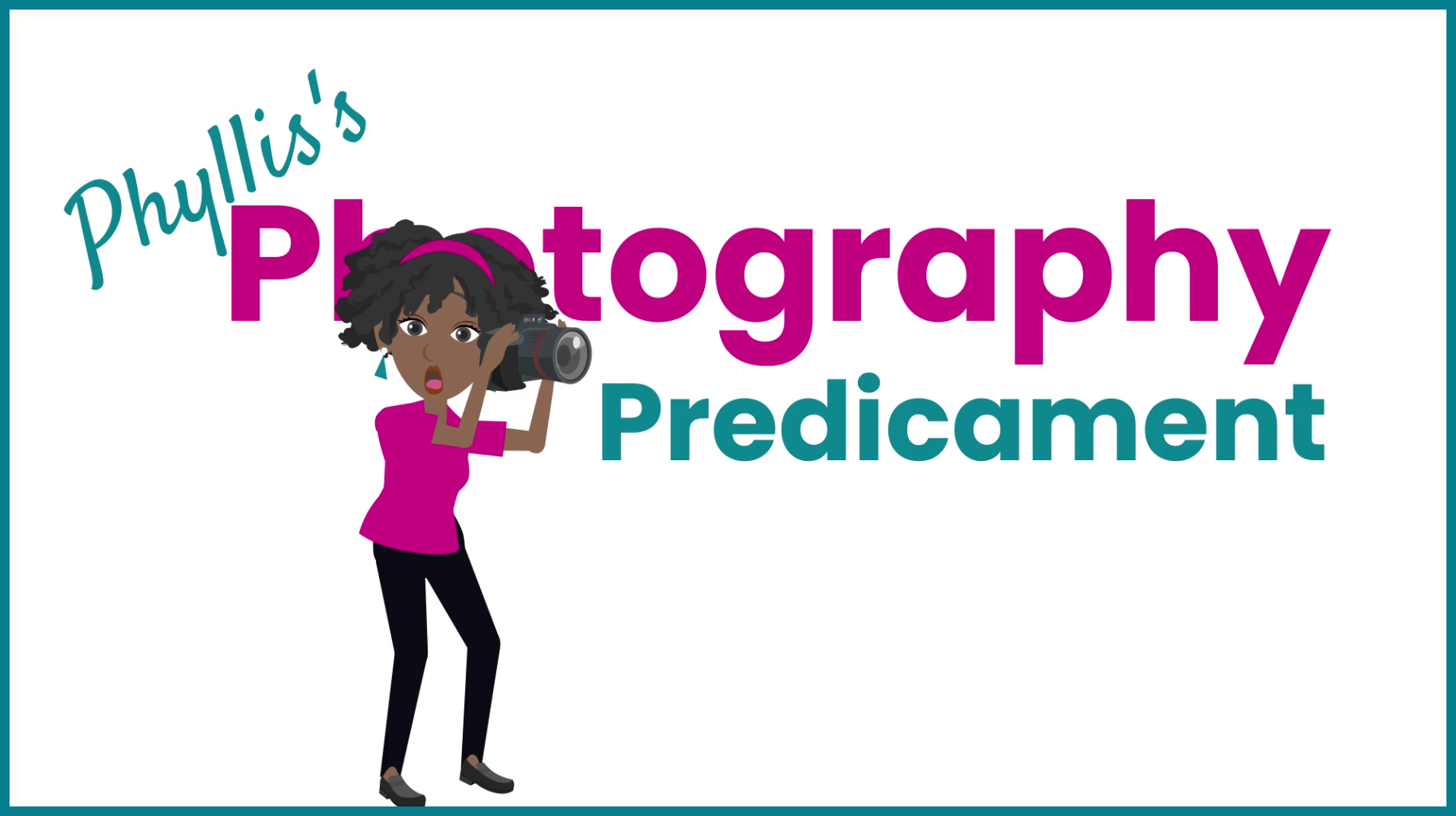
Phyllis’s Photography Predicament
Modality: eLearn
Development Tools: Storyline 360, Vyond, Canva
Development Hours: 40
Summary: Photoshoots are like a box of chocolates—you never know what you’re gonna get. You can run into all different kinds of situations on-site. Phyllis’s Photography Predicament uses scenarios and gamification to teach new-hire photographers how to navigate various tricky situations while keeping professionalism, customer service, and safety top of mind. Each scenario the learner successfully helps Phyllis navigate earns them a item for their camera bag. Collect all camera bag items to complete this course.
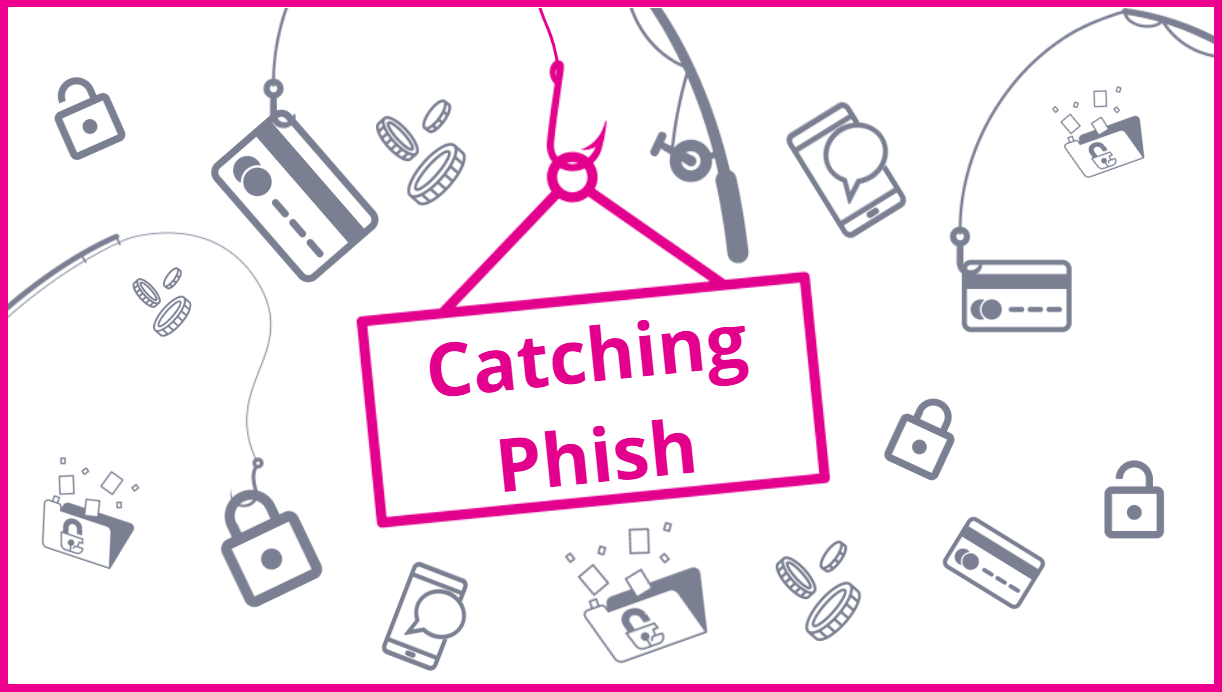
Catching Phish
Modality: eLearn
Development Tools: Storyline 360, Canva
Development Hours: 25
Summary: Phishing scams are a serious threat to all industries and individuals. Learners must race against the clock to protect themselves and their organization from phishing attacks. This elearning uses gamified interactions to help learners distinguish between a standard communication or phishing scam.
eLearning Heroes Challenges
eLearns are created with Articulate 360 suite.
Click the thumbnails to see how the challenge was met.

What Style House are You? (Personality Quiz)
Modality: eLearn
Development Tools: Storyline 360, Canva
Development Hours: 25
Summary: This is a personality quiz inspired by eLearning Heroes challenge #421 – True/False Variables. The challenge was to use variables and conditions to provide different outcomes based on users’ responses.

eLearning Heroes Challenge #313 - 2 Truths and a Lie
Challenge Summary: Take a traditional ILT icebreaker (2 Truths and a Lie) and create an eLearn version using Storyline 360.
Potential Uses: This can be used as a unique way to do a pre-assessment or knowledge check within a course.

eLearning Heroes Challenge #317 - Sound Board
Challenge Summary: Create a themed sound board using Storyline 360. Use visuals and audio in a unique way. My example is the perspective of life as told from Hollywood.
Potential Uses: A sound board can be used in a training course to reinforce concepts by hearing information from known experts, identifying certain sounds for troubleshooting, or bring overall interactivity to a course.
Multimedia
Multimedia content is created using more than one industry tool to develop a single asset. Various combinations of the tools: Camtasia, Screencast-O-Matic, Webex, PowerPoint, Vyond, Articulate 360 Suite, Canva, and Adobe Creative Cloud Suite were used to create the posted assets.
Click the thumbnails to view.
Network Types
Modality: Micro-learn Video
Development Tools: Camtasia, Canva, Adobe Illustrator, and Well-Said Labs
Development Time: 15 hours
Summary: Network Types is part of a larger elearning course for network fundamentals. It introduces learners to the various network types and topologies.
Get Active! Get Happy!
Modality: Animated Video
Development Tools: Vyond, Canva, and Voice Recorder
Development Time: 5 hours
Summary: This animated video illustrates how movement or an active lifestyle can affect your happiness and well-being.
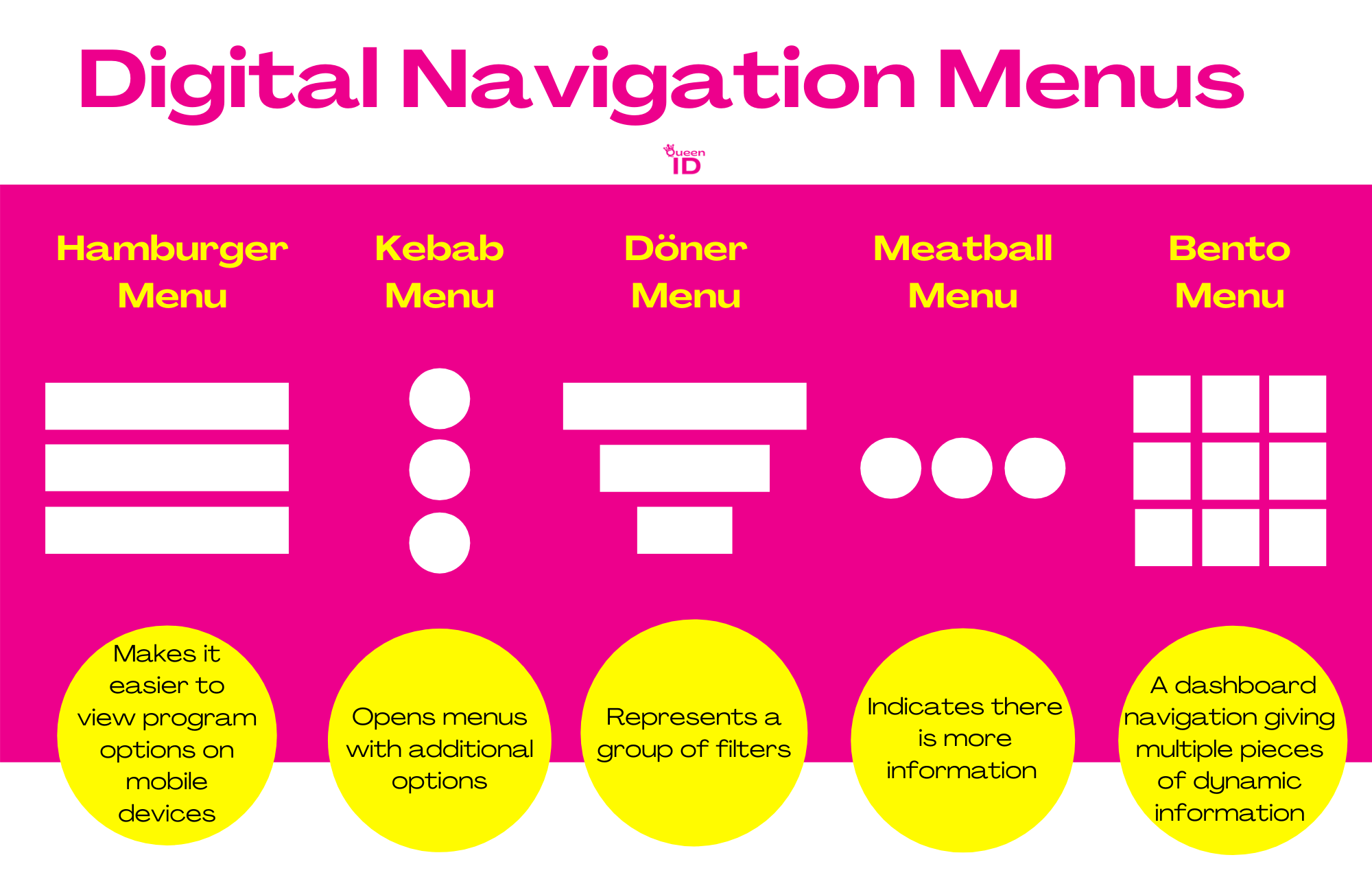
Infographics
Infographics were designed and developed using Canva.
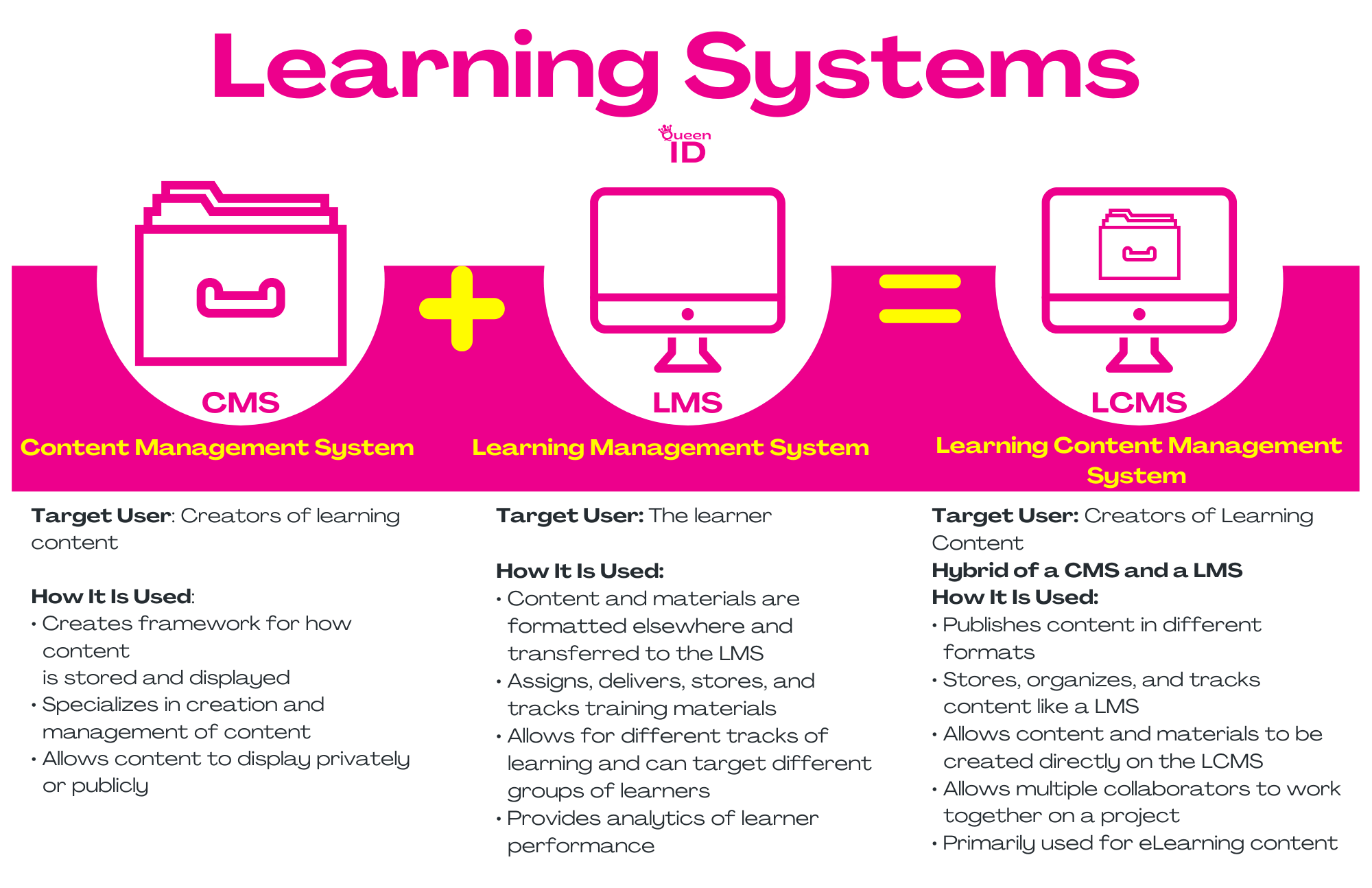
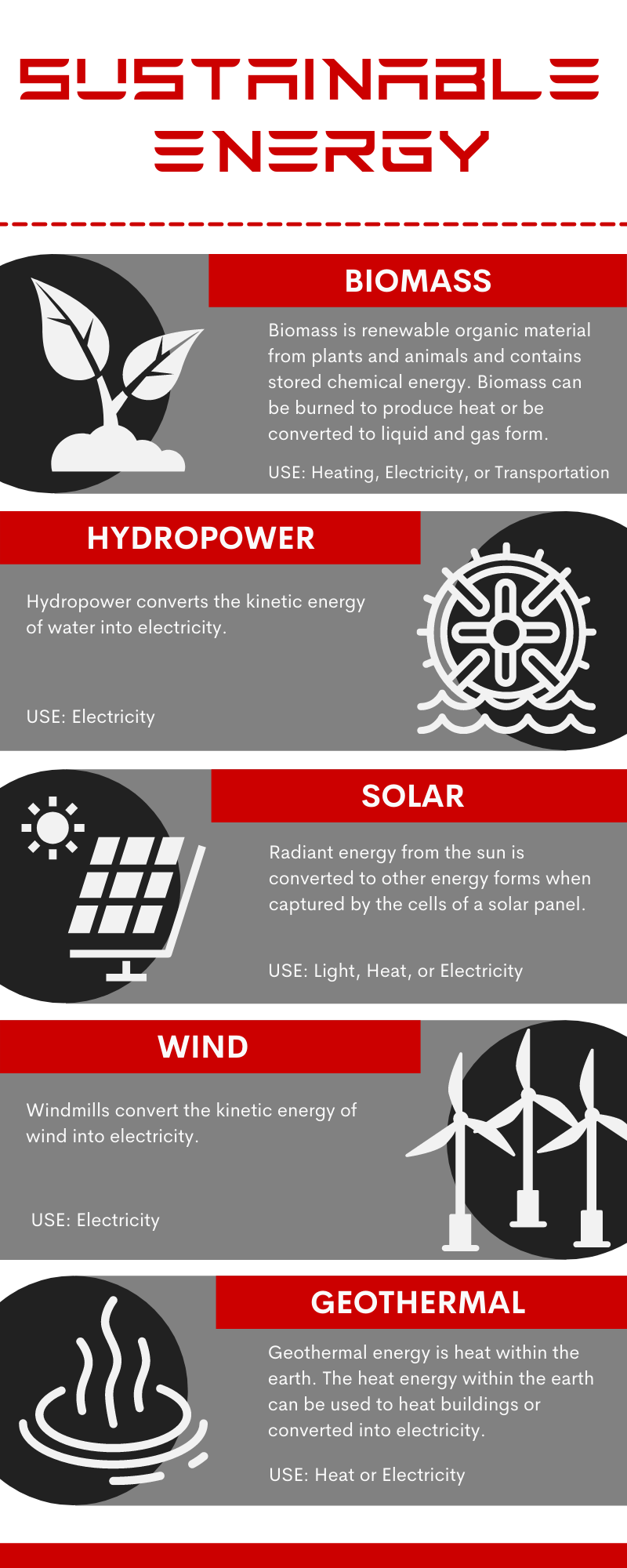
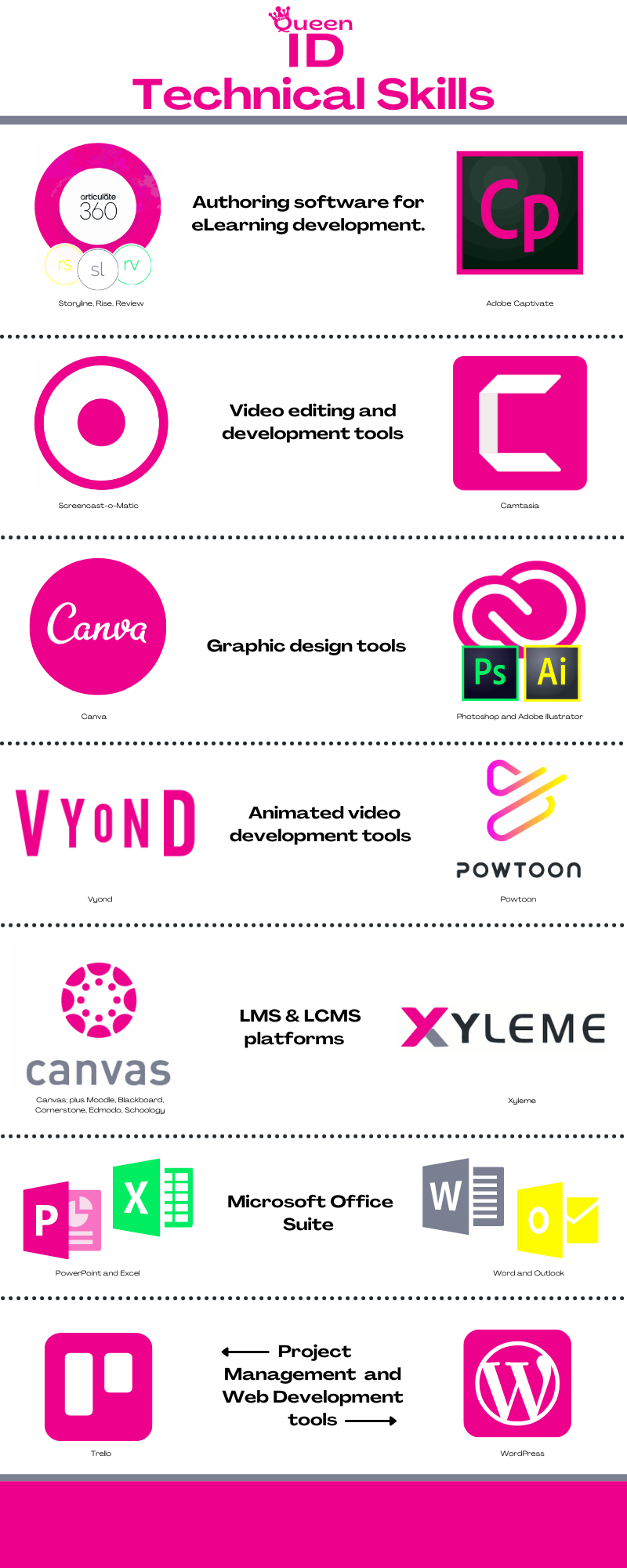
Instructor Led Training
ILTs were created using various industry tools such as LCMS, Canva, Adobe Creative Suite, and/or MOS.
Click the thumbnails to view.

Advanced Principles in SC Real Estate
Advanced Priniciples in SC Real Estate is a 30 hour course that is part of a larger 90 hour course required to obtain your SC Real Estate Sales Agent License. Advanced Principles in SC Real Estate is divided into 5 different modules. In this sample, you can view the course outline for the first two modules, Module A – Agency & Property Disclosure and Module B – Real Estate Contract.
I designed the entire 90 hour ILT course for an institution of higher learning to bring the curriculum in-house and to help the college have more control over the curriculum. The college was also able to keep 100% of the profits versus sharing the revenue with a third party vendor.
Job Aids and Supplemental Materials
Job Aids and supplemental materials for ILTs were created using various industry tools such as LCMS, Canva, Adobe Creative Suite, and/or MOS.
Click the thumbnails to view.

Active Note-Taking Guide for Advanced Principles in SC Real Estate
This Active Note-Taking Guide was designed to help adults participating in the Advanced Priciples in SC Real Estate course to actively take notes during class time for the instructor led course or to use it as a study aide to be filled in while the learner studies for their exam.
This document is filled with graphic organizers, fill-in-the-blank notes, and free space for additional notes. All of which aid the learner in organizing the new information and retaining the new concepts learned in each module.
Project Plan/Course Blueprint
Project Plan and Course Blueprint are created using either MS Word or Google Docs and used as a collaboration tool to design learning solutions.
Click the thumbnails to view.

Project Plan and Course Blueprint for ZGIM (Zillow Group Incident Management )
This project plan and course blueprint helps drive all aspects of a program from intake to publication. In this particular sample, I worked with the Zillow Group Incident Management team to develop onboarding training for Engineers and Engineer Teams across the Zillow Group organization training them how to implement the report an incident process and work with ZGIM to report, resolve, and mitigate production-stalling events company-wide.
The impact of this training reduced Mean Time to Resolve and Mean Time to Acknowledge (MTTR/MTTA) these incidents by 60% from the previous year.